

• Image 1
  • Image 2
  • Image 3

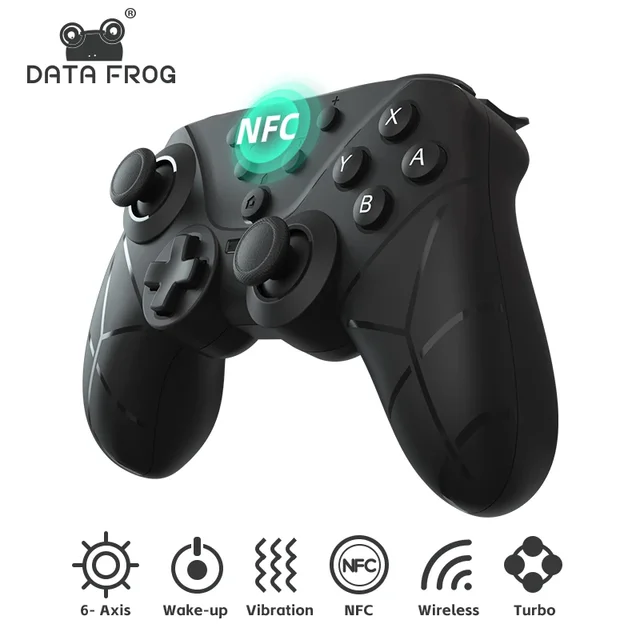
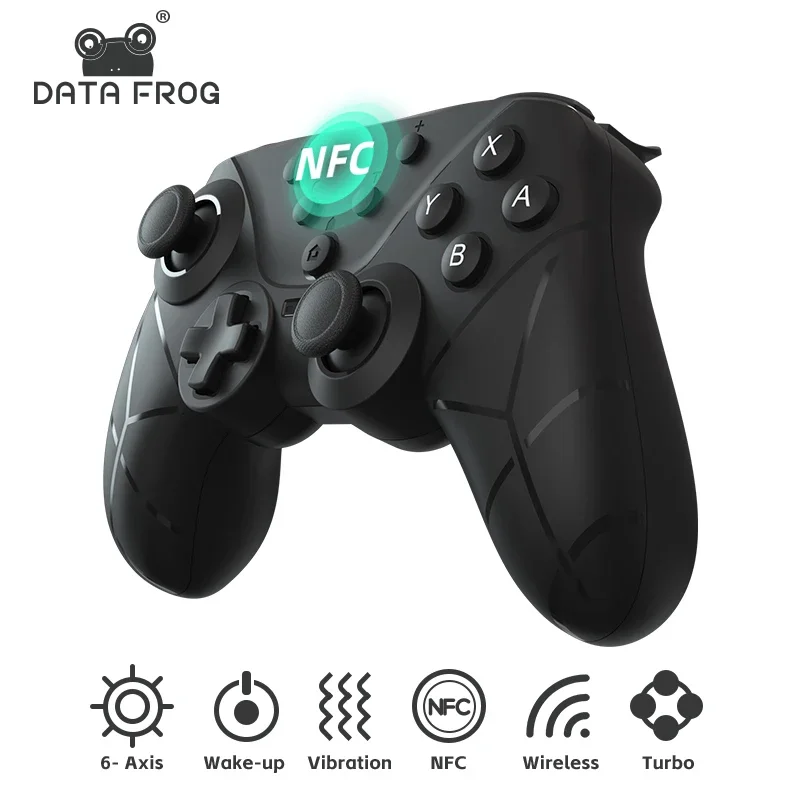
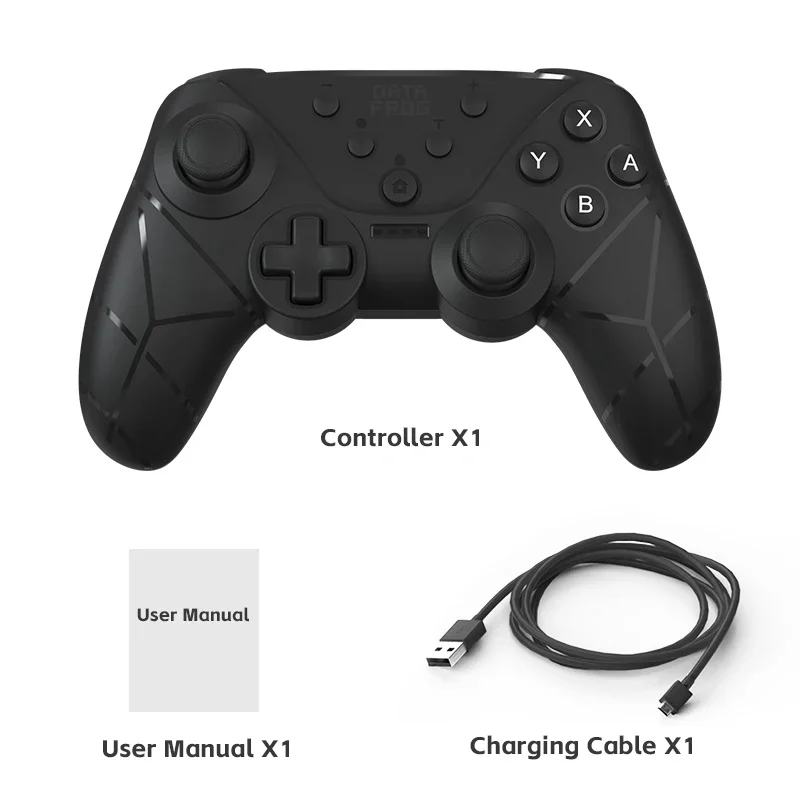
Data Frog Wireless Controllers For Nintendo Switch/Lite/OLED Switch Pro Joystick with NFC Turbo vibration adjustment Gamepad

£39.99
  • Color:

in stock

Categories:

Buy With Confidence

100% Safe Payment


;

  • Description

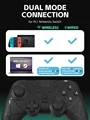
    WIRELESS CONTROLLER FULLY FUNCTIONAL

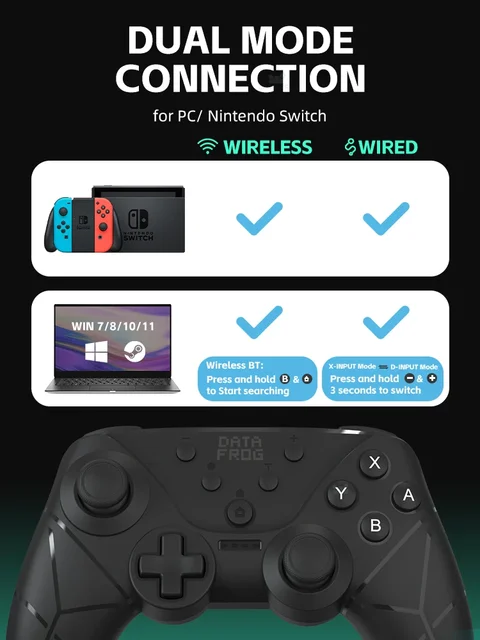
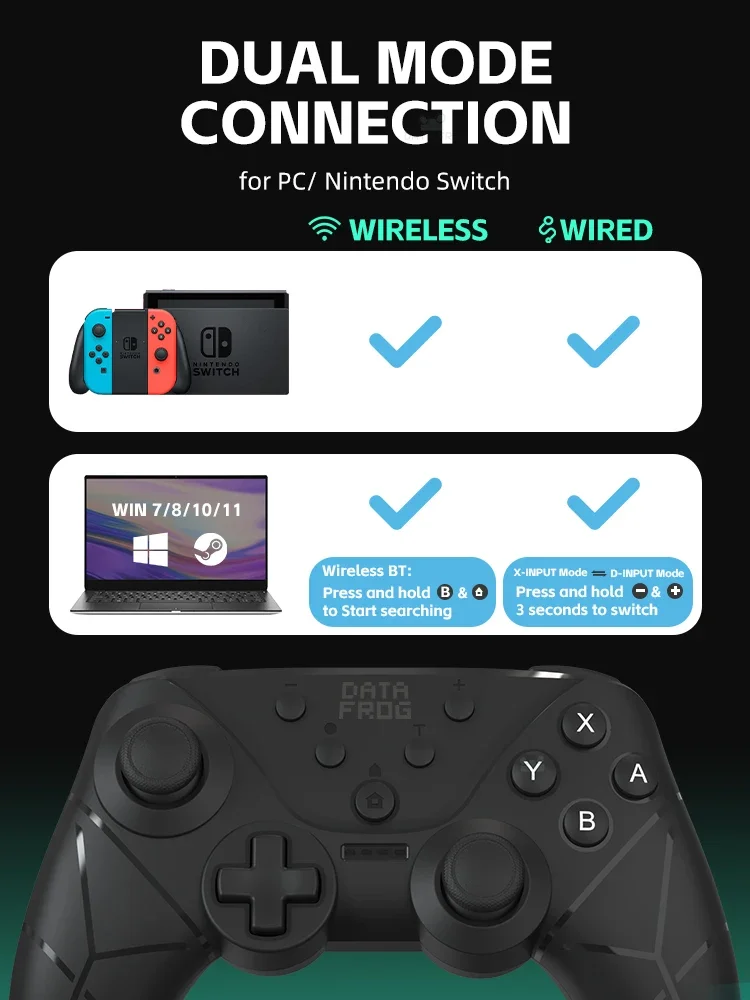
    Bluetooth connection to SWITCH host.

    a. Press and hold the HOME button Press and hold for about 3 seconds,and the channel light No.1-4 flash into Bluetooth matching mode.

    b. Open the SWITCH console, click the “Handle” icon on the home page of the console, then click “Change Grip/Order”, and wait for the handle to connect.

    c. After the connection is successful, you can directly press the HOME button to wake up the host and connect the handle back.

    Wired connection to SWITCH host.

    a. Select Settings → Controller and Sensor at the bottom of the SWITCH host → icon at the bottom of the main interface of the SWITCH console, make sure that the option status is on;

    b. Connect the handle and the host with the OTG conversion head and data cable when the handle is turned on;

    c. The LED1 indicator flashes and the handle is connected successfully.After the connection is successful, unplug the data cable handle, and it will connect by itself.

    d. If you use the SWITCH base, you can connect the base of the handle directly with the data cable. After the connection is successful, unplug the data cable handle, and it will connect by itself.

    e. If the currently connected handle is a P2 handle, LED1+LED2 is long and bright at the same time.

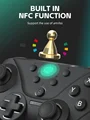
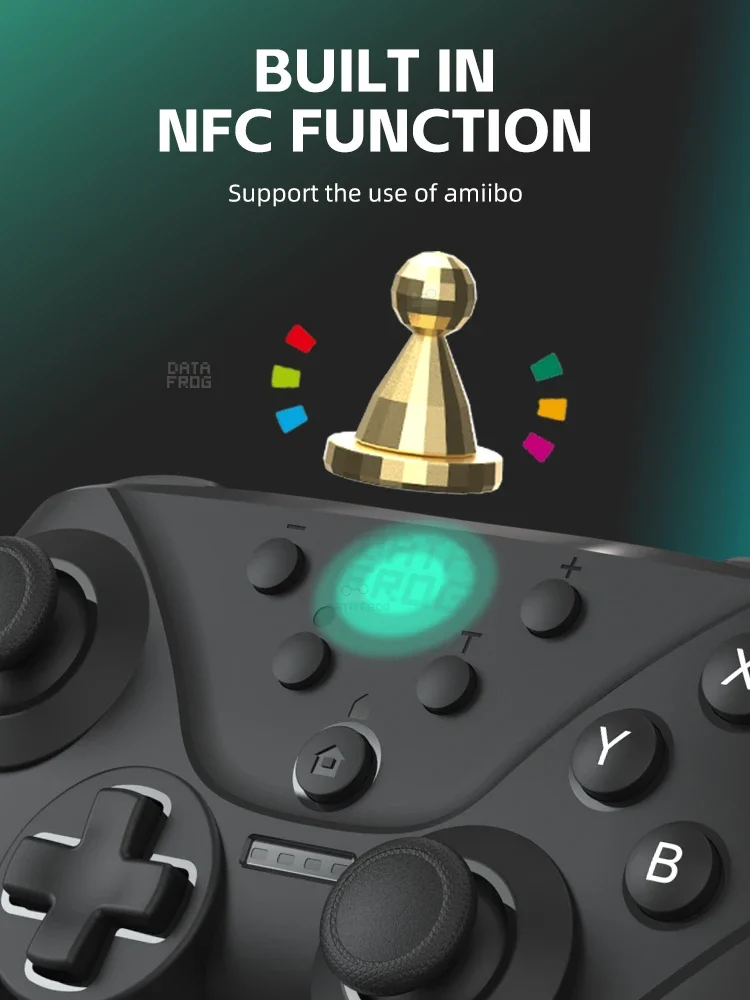
    NFC function

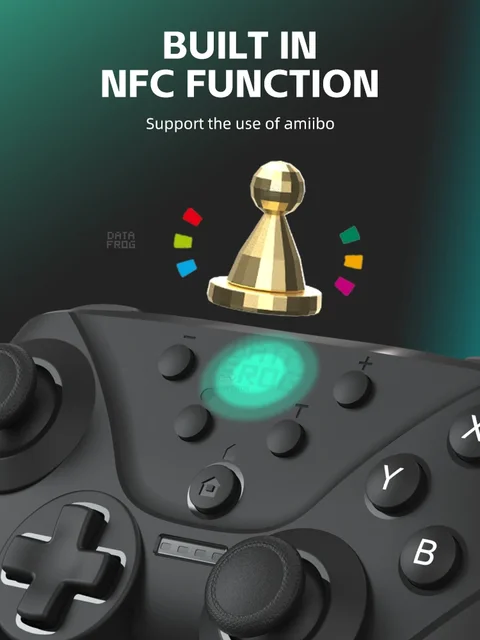
    The gamepad has built-in NFC sensing fuction,when the controller is connected to

    the Switch host Bluetooth,if the game supports the amiibo function,you can use the amiibo figure to activate the corresponding props in the game at the gamepad LOGO.

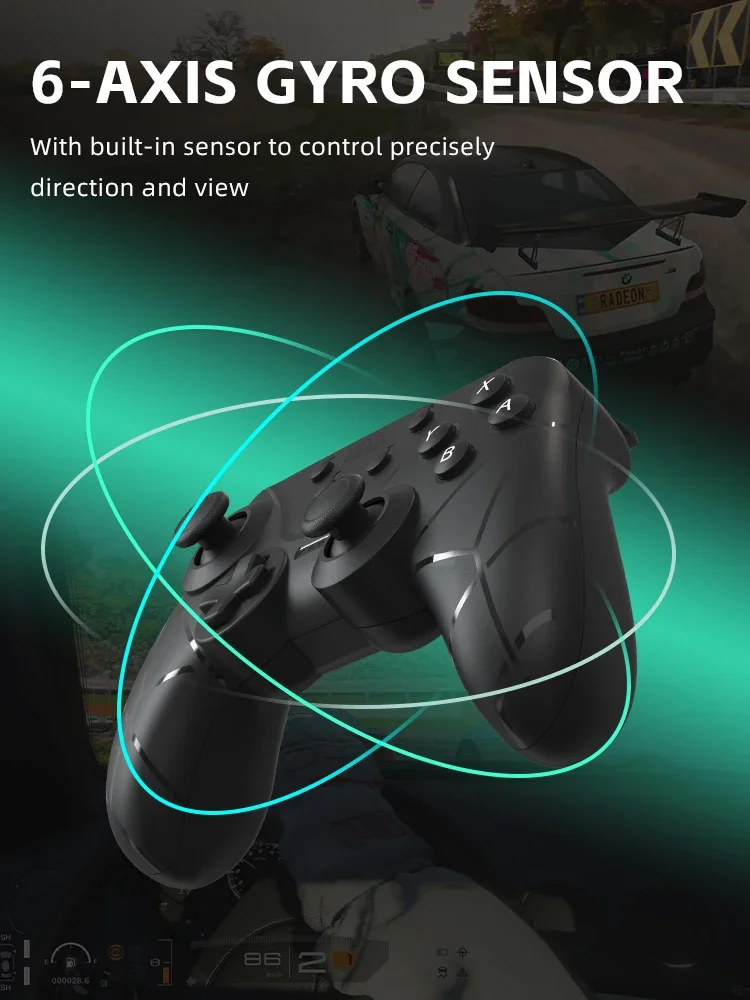
    Six-axis correction

    a. A+Minus button+HOME: In the sleep state, first press the minus keyto remain unchanged, and then press HOME, the handle indicator flashes left and right, and enters the sensor calibration mode.

    b. Put the handle in the horizontal position, then press the ‘+’ key and release, the handle enters the calibration, after the calibration is over,the 4 LED lights are fully lit for 3s and automatically enter sleep.

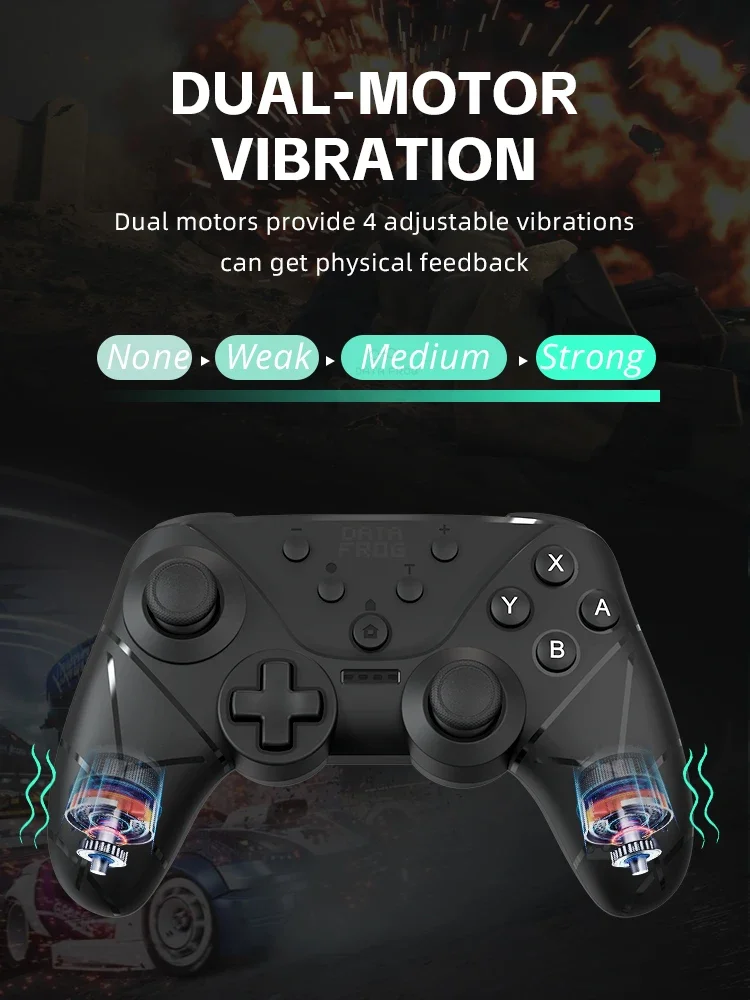
    Handle vibration adjustment function

    After connecting the machine, TURBO key + left 3d up and down to adjust the motor vibration intensity, four gears adjustable: 0 (off vibration) — 30% (weak)— 70% (medium) — 100% (strong),power-on default 70% (medium).

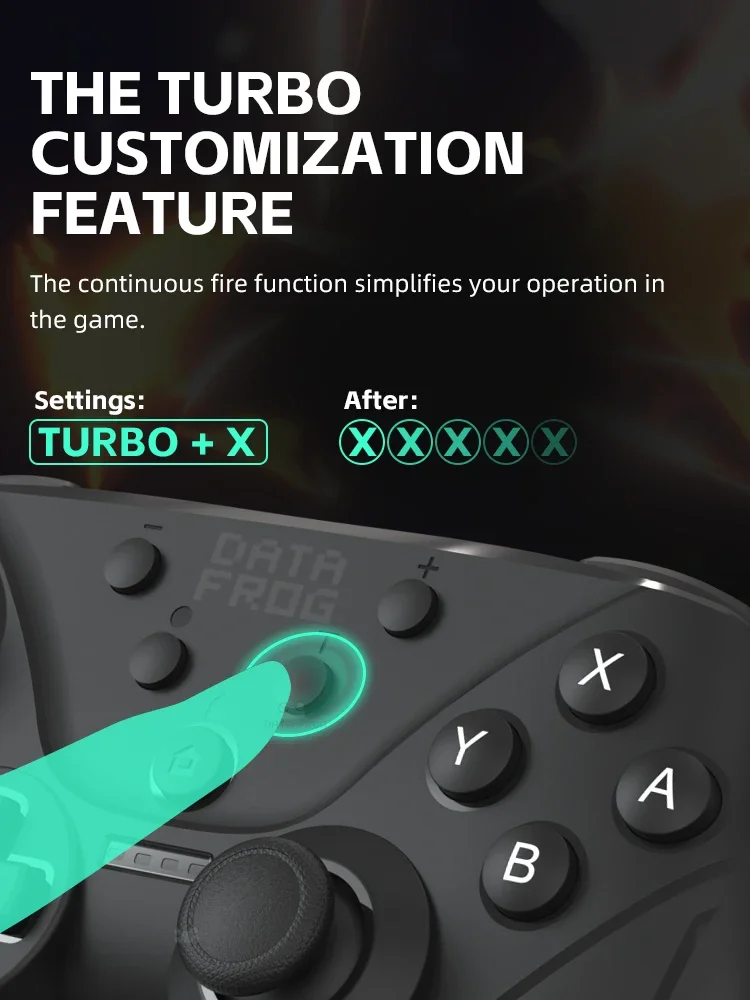
    Accessibility TURBO

    A. TURBO function (any connection mode, any mode supports burst function)

    B. The buttons that can set the TURBO funclionare: A, B,X,Y,L, R,ZL, ZR.

    c. TURBO settings: regular burst settings, press “and Function keys” at the same time

    d. TURBO clearing: Press “T and Function Key” at the same time to cancel the burst function of the key.

    e. TURBO buttons are all cleared: one is to press “T and -” at the same time to cancel the burst button function of all settings.

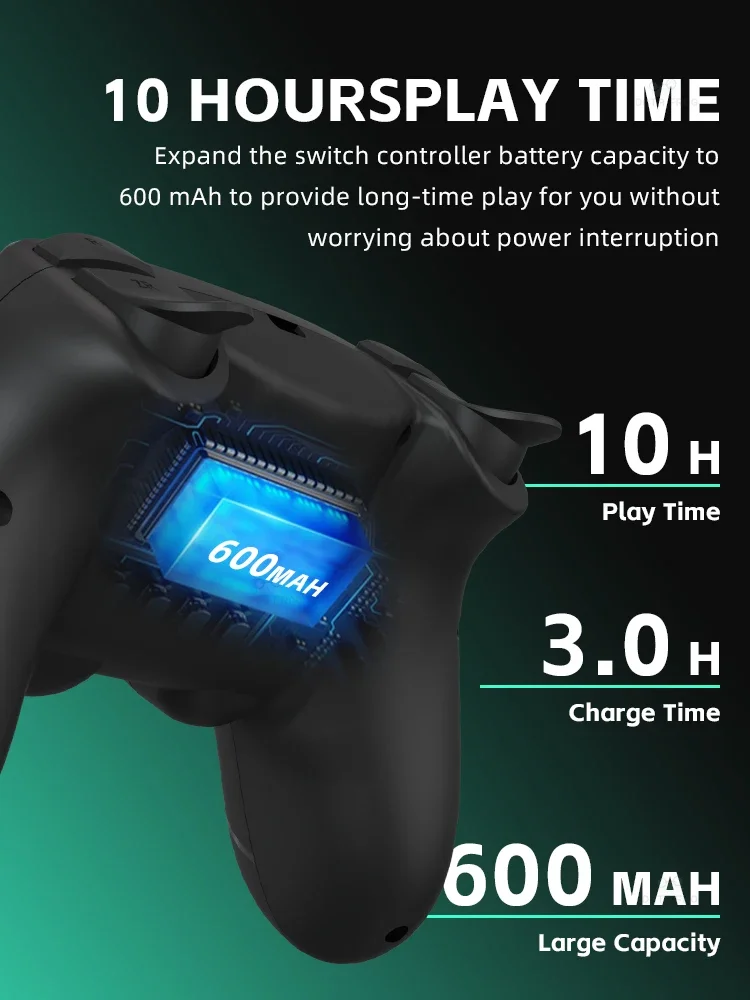
    10 HOURSPL AY TIME

    Expand the switch controller battery capacity to 600 mAh to provide long-time play for you without worrying about power interruption

    Product List

Follow us on:

Subscribe to our Newsletter
Please wait...

We use cookies on our website. For full details, please see our Privacy Policy. We would like your consent to use cookies that allow us to give you a personalised experience and advertise to you elsewhere on the internet. Click ALLOW if you’re happy for us to do this. You can also choose to disallow all optional cookies by clicking DISALLOW.

Cookie Settings