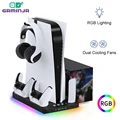
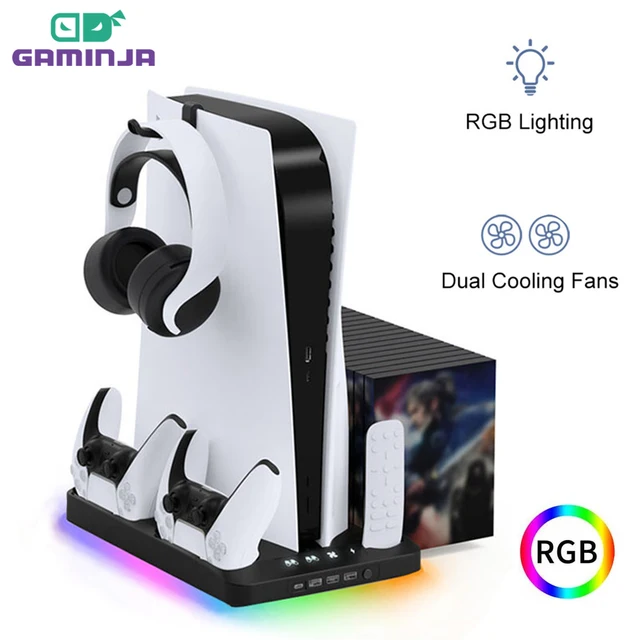
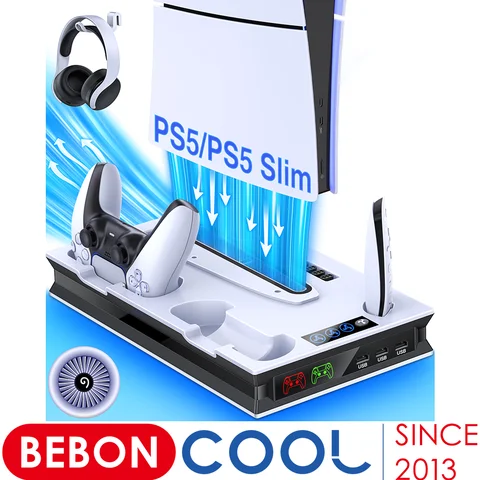
Enhance your PS5 gaming experience with the GAMINJA Charging Dock Station. This multifunctional 4-in-1 stand features dual cooling fans, dual controller charger, game card storage, headset hook, and RGB lighting for a complete gaming setup.
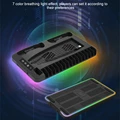
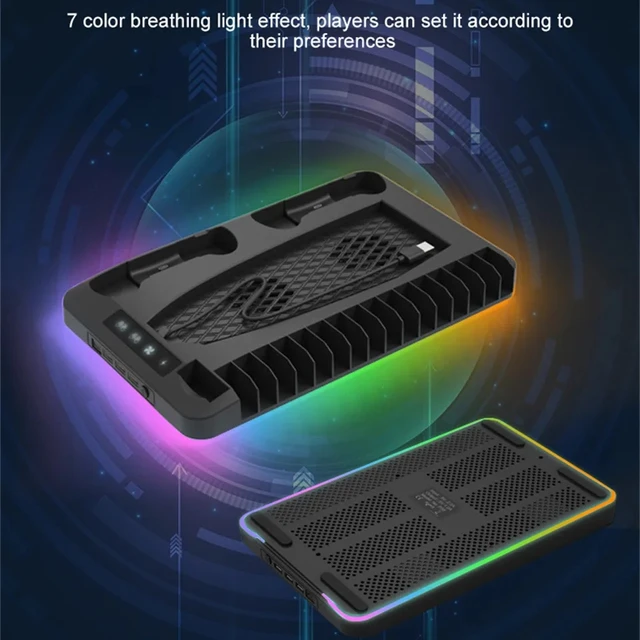
• 7 Color Light Effect :The product features a 7 color light effect that adds a touch of style to your gaming setup.
Feature
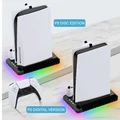
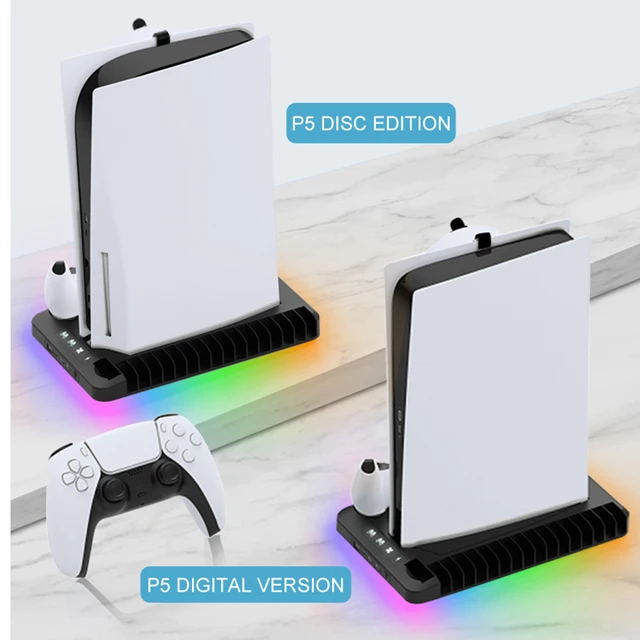
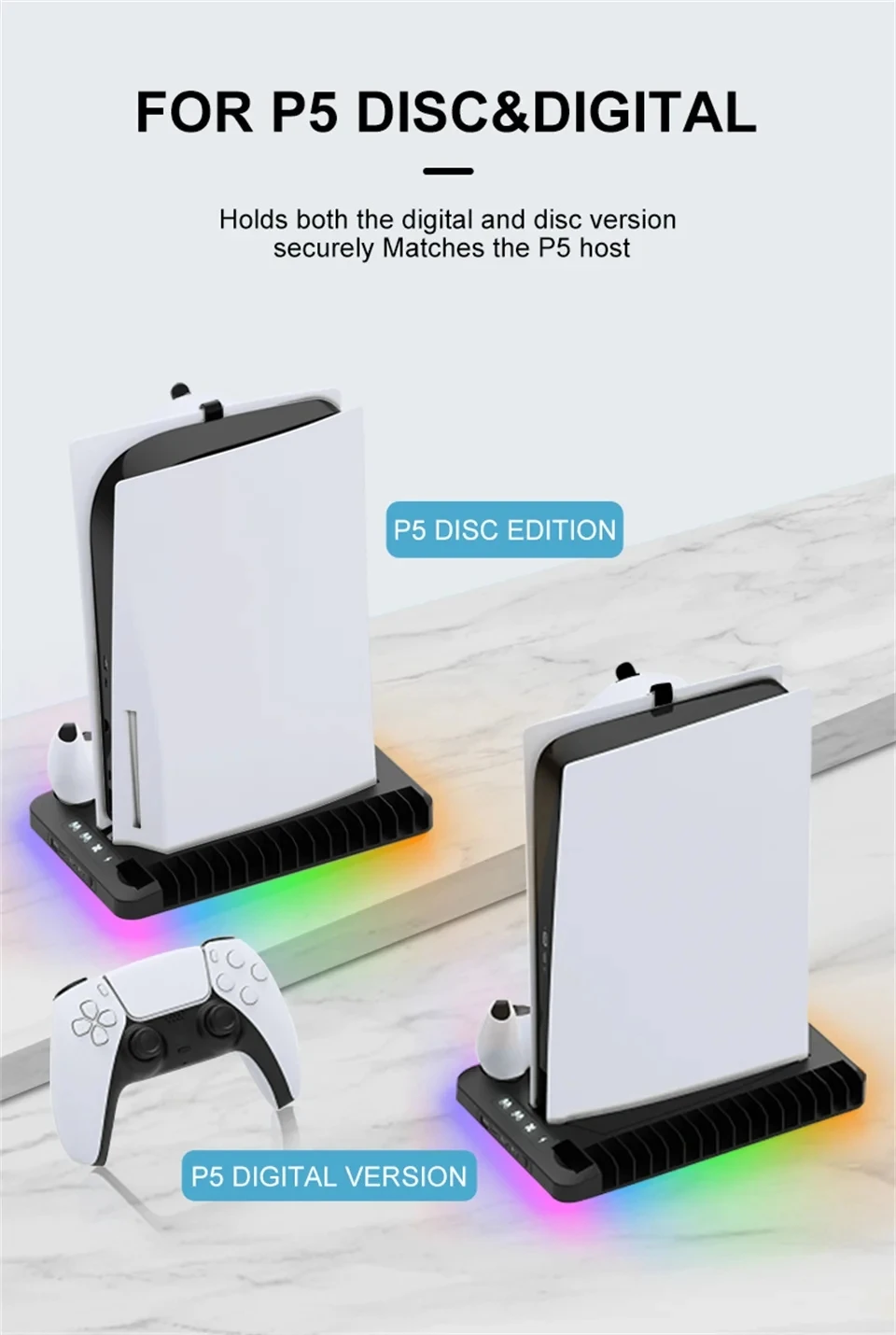
1) Design for PS5 console both digital and Ultra HD version, extending the service life
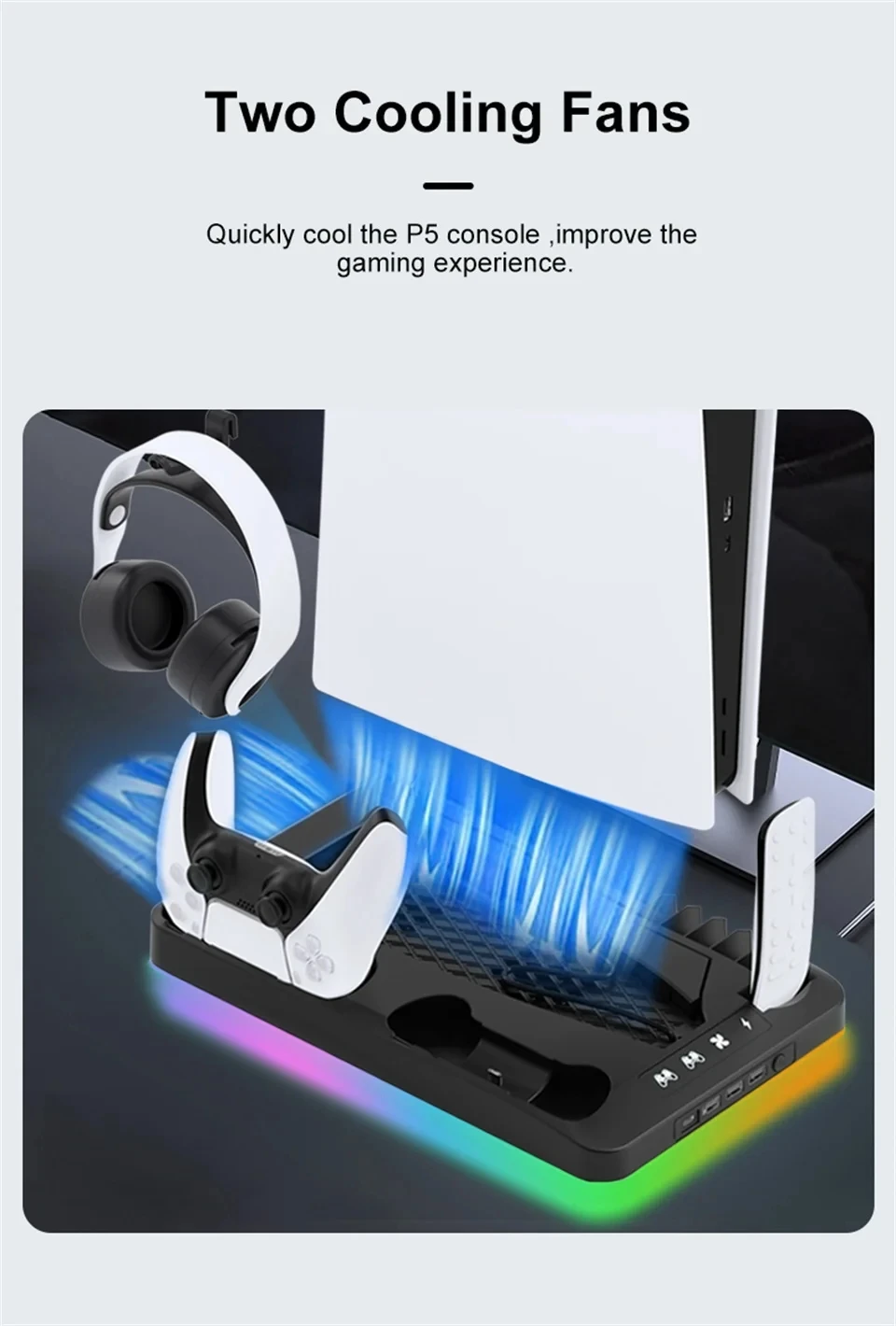
2) Work with different versions of the console, built-in two cooling fans, and can quickly cool console.
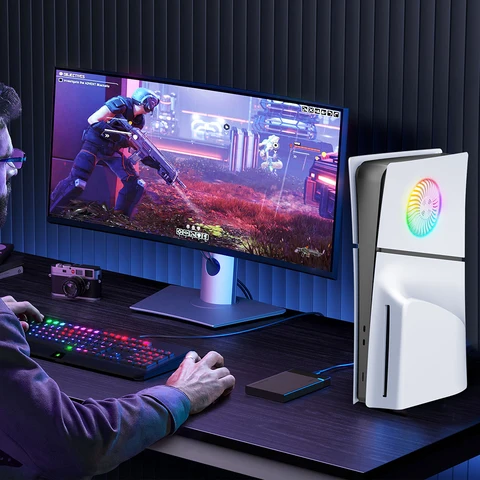
3) It has colorful magic lighting. Players can set the lighting effect according to their preferences
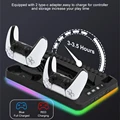
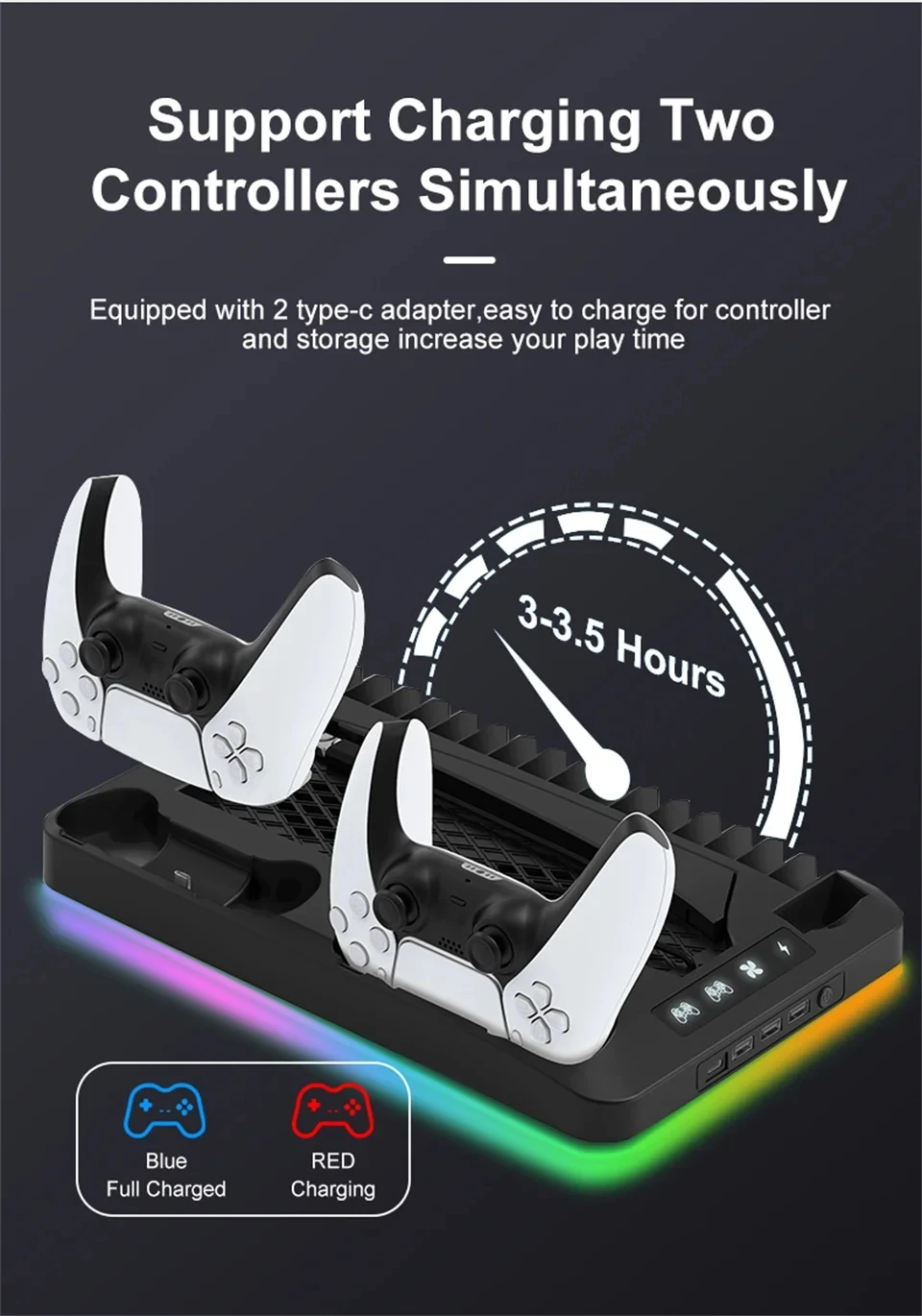
4) Built-in 2 charging docks for controllers,which can store and charge the controller at the same time.
5) It can store 16 game disk boxes, 1 remote control and headphones
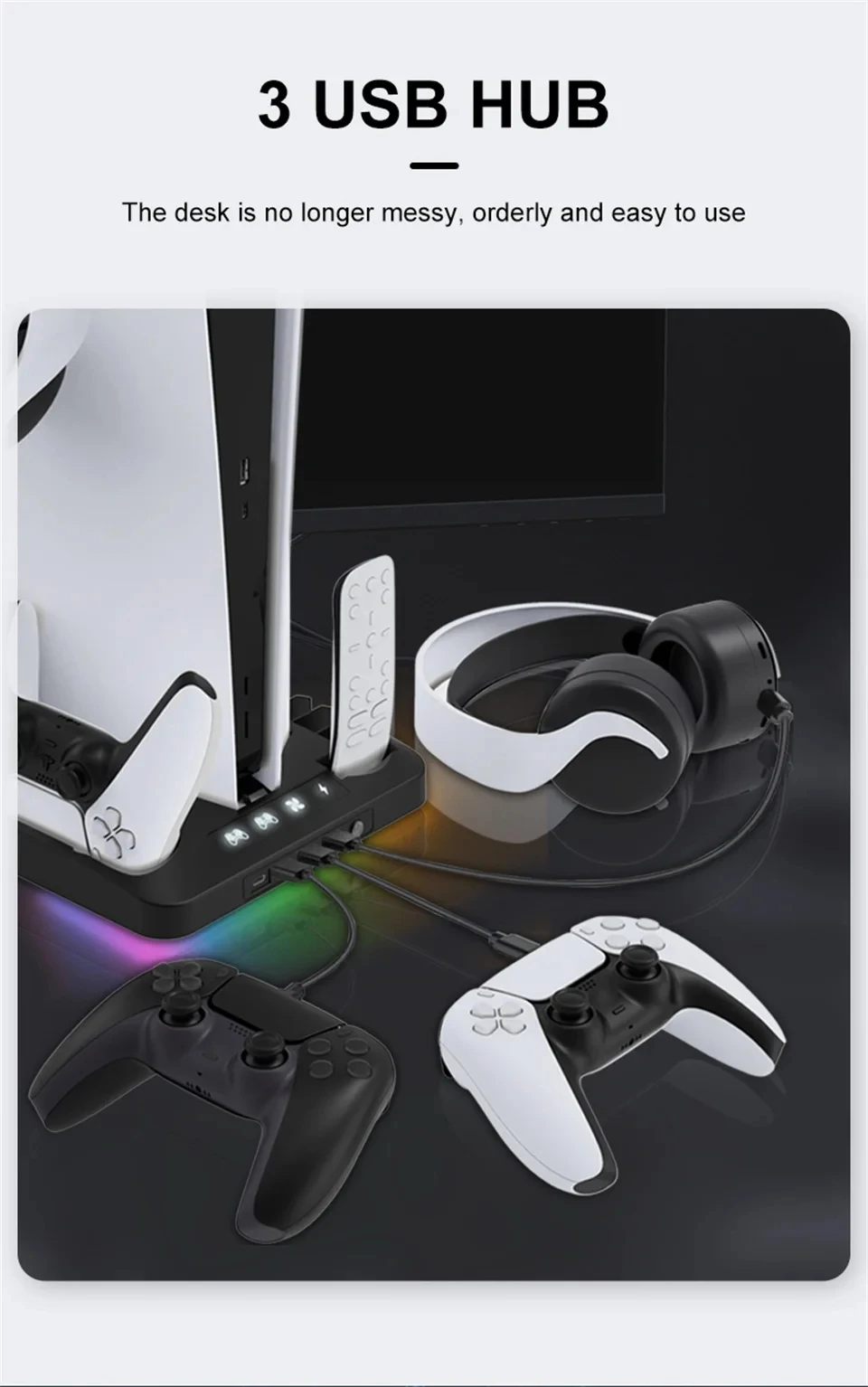
6) Included 3 USB2.0 ports to expand the USB function, with one Type-c charging port
7) Input voltage /current: DC5V/2A
MULTIFUNCTIONAL 4-in-1 STAND FOR P5
Quick Cooling/Dual Controller Charger Game Card Storage/Headset hook
NOTE: GAMEPAD, CONSOLE, GAME BOX AND HEADSET ARE FOR DISPLAY ONLY:
High Quality and Durable
RGB Lighting
Dual Charging
Dual Cooling Fans
Headset hook
CD storage slot
3USB HUB
FOR P5 DISC&DIGITAL
Holds both the digital and disc version securely Matches the P5 host
P5 DISC EDITION
P5 DIGITAL VERSION
Two Cooling Fans
Quickly cool the P5 console ,improve the gaming experience
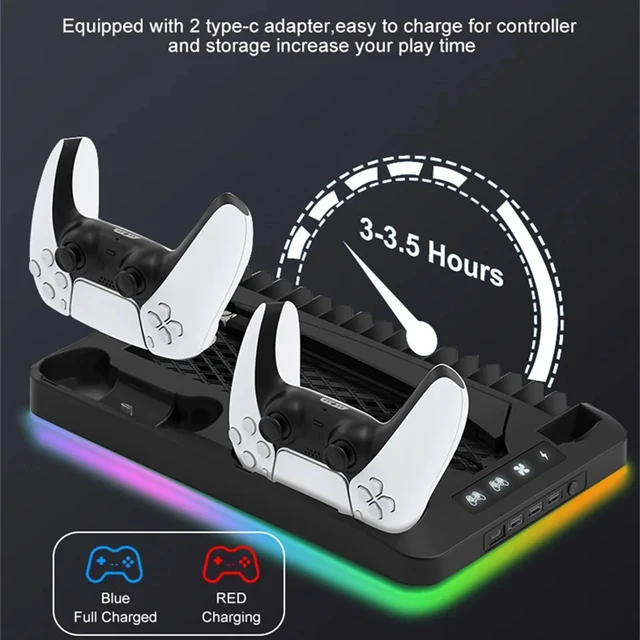
Support Charging Two Controllers Simultaneously
Equipped with 2 type-c adapter easy to charge for controller and storage increase your play time
3 USB HUB
The desk is no longer messy, orderly and easy to use
Magic Breath Light Effect
7 color breathing light effect, players can set it according to their preferences
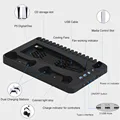
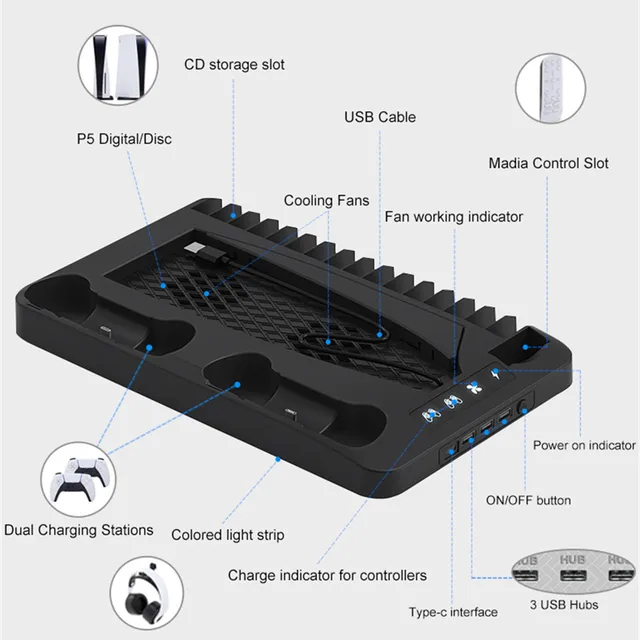
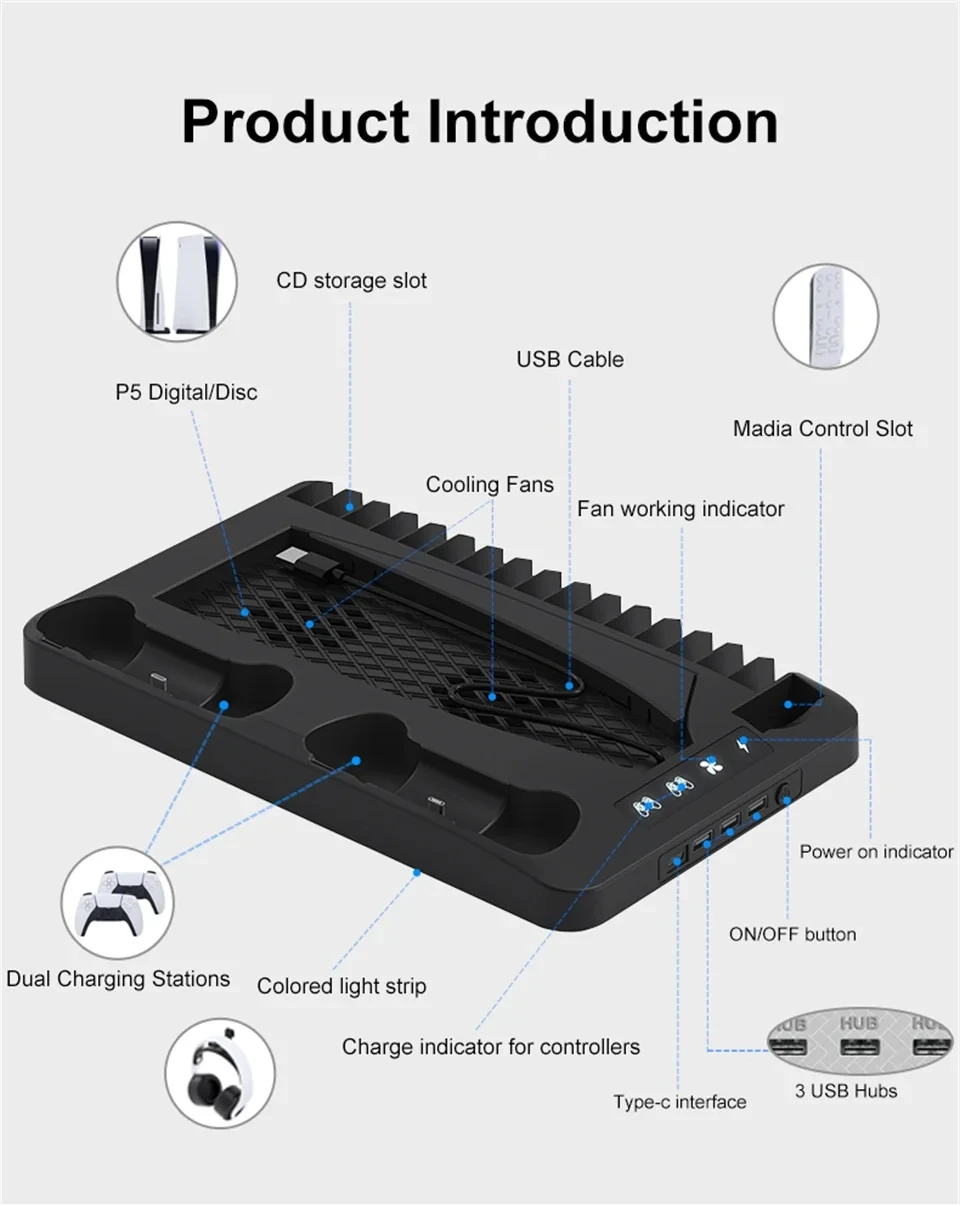
Product Introduction
CD storage slot
USB Cable
P5 Digital/Disc
Madia Control Slot
Cooling Fans
Fan working indicator
Power on indicator
ON/OFF button
Dual Charging Stations
Colored light strip
Charge indicator for controllers
Type-c interface
3 USB Hubs
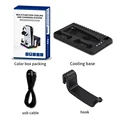
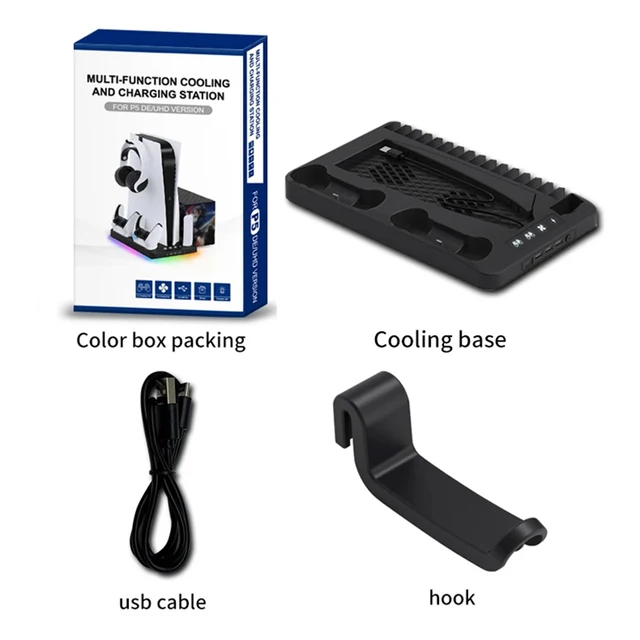
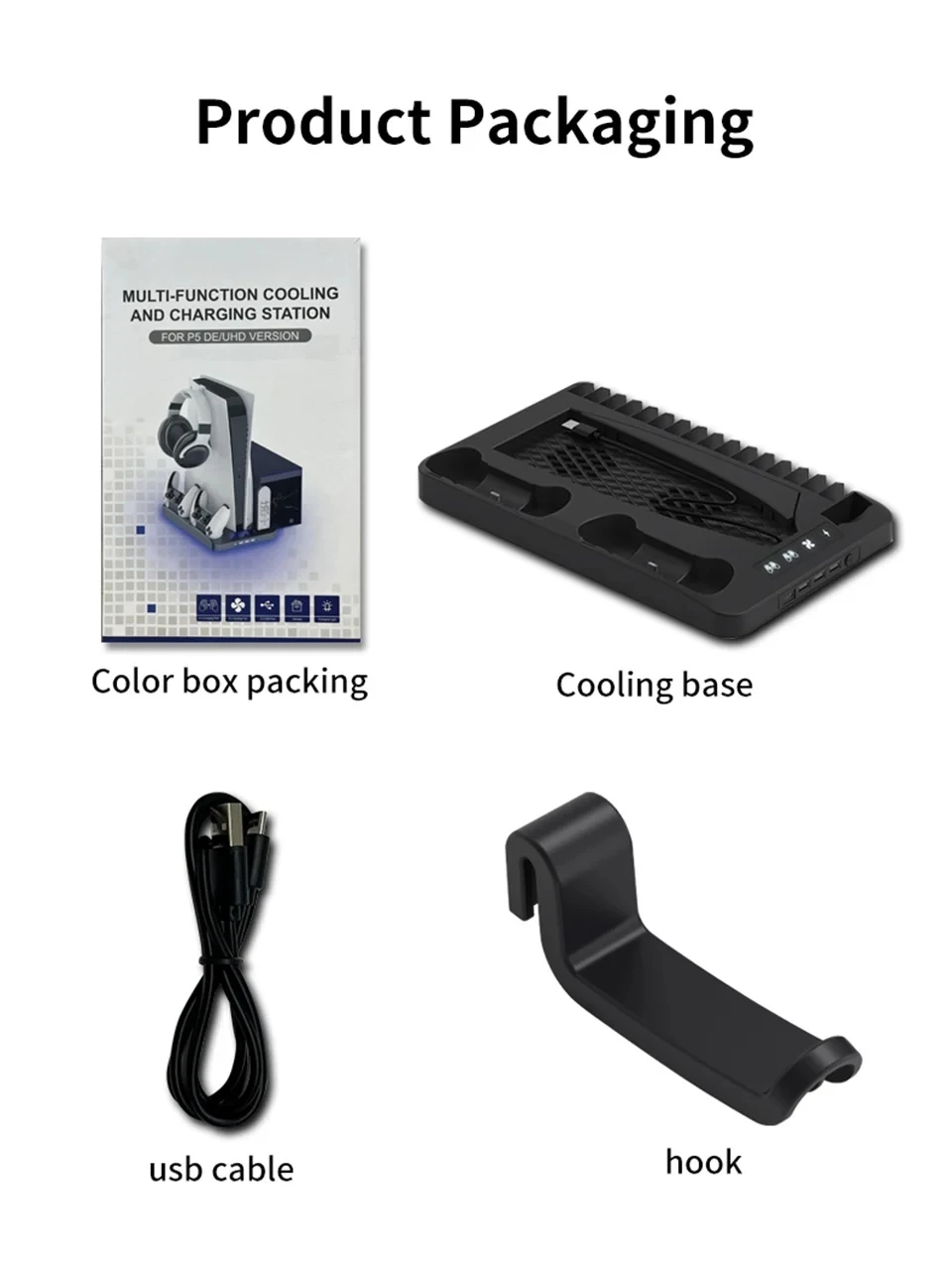
Product Packaging
Color box packing
Cooling base
usb cable
hook
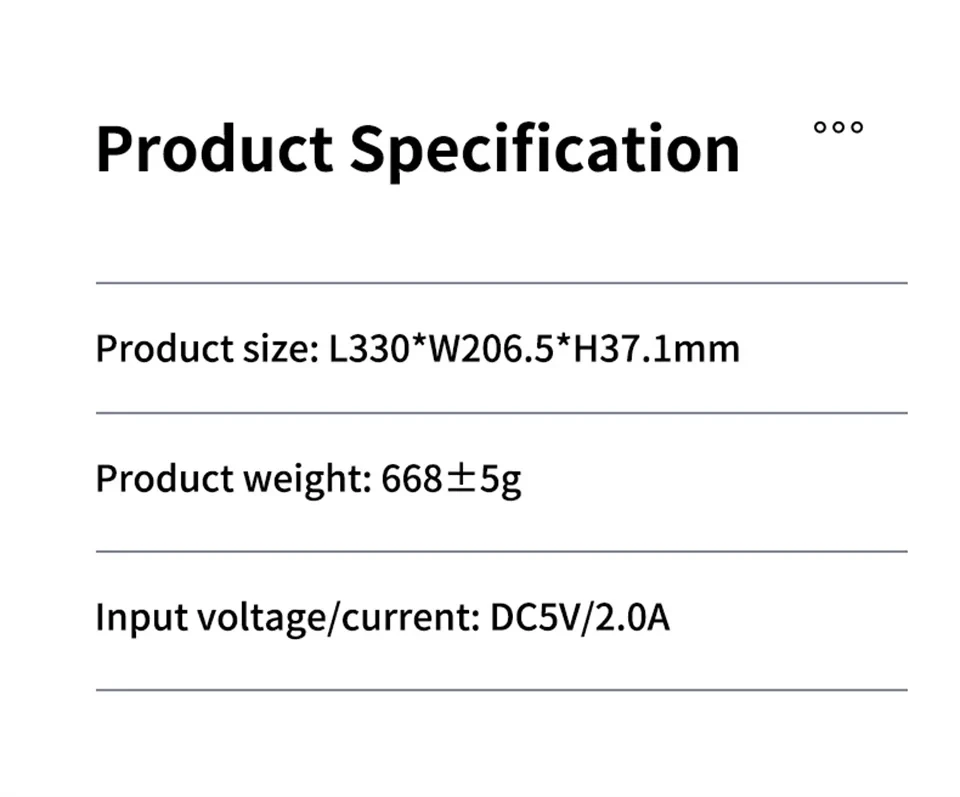
Product Specification
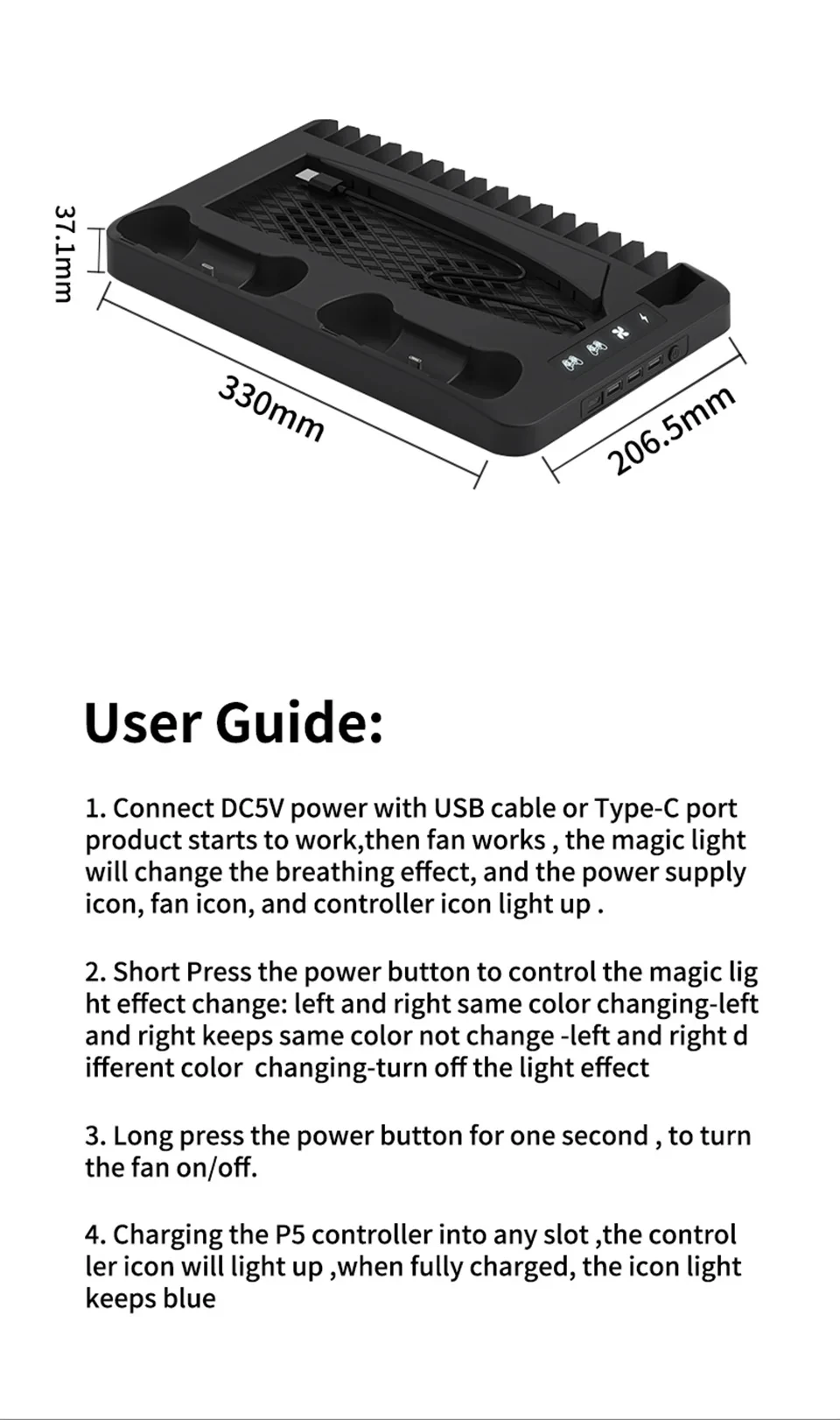
Product size: L330*W206.5*H37.1mm
Product weight: 668±5g
Input voltage/current: DC5V/2.0A
User Guide:
1. Connect DC5V power with USB cable or Type-C port product starts to work,then fan works,the magic light will change the breathing effect, and the power supply icon, fan icon, and controller icon light up.
2. Short Press the power button to control the magic light effect change: left and right same color changing-left and right keeps same color not change-left and right different color changing-turn off the light effect
3. Long press the power button for one second, to turn the fan on/off.
4. Charging the P5 controller into any slot ,the controller icon will light up ,when fully charged, the icon light keeps blue
1.Charging indicator for controllers
2.Working indicator for fan
3.Power on indicator
4.ON/OFF button
5.Controller charging dock
6.Cooling fans
7.Game disc storage slot
8.Remote control storage slot
9.Type-C power input interface
10.3 x USB port
11.USB power cable
12. Placing rack for PS5 console digital version
13.Placing rack for PS5 console CD-ROM version
14.Colorful light strip









Follow us on: