
• Image 1
  • Image 2
  • Image 3
  • Image 4
  • Image 5
  • Image 6
  • Image 7

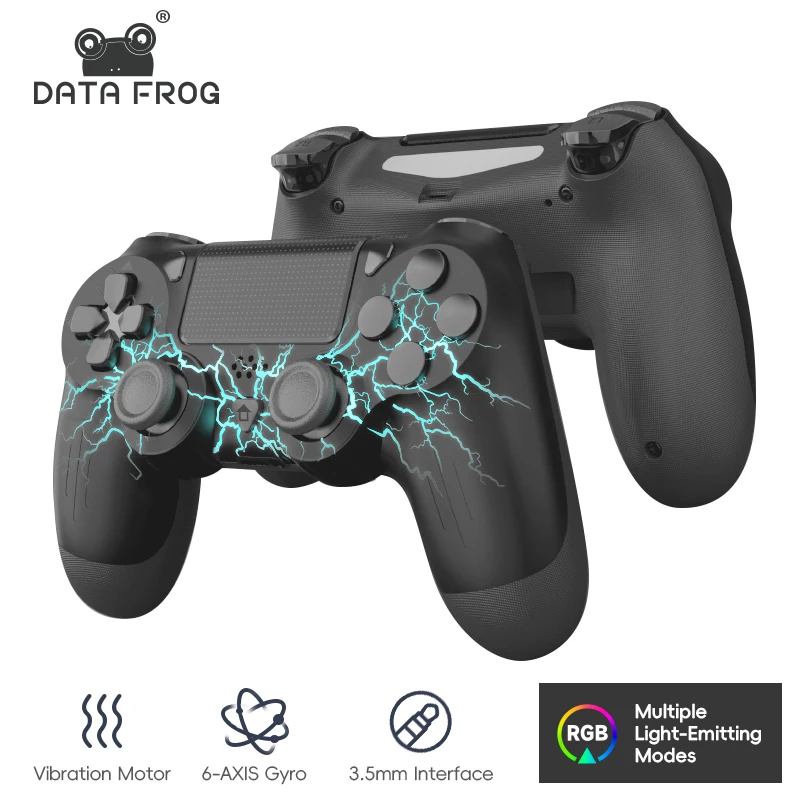
DATA FROG P02 Controller for PS4 Thunder LED Color Gamepad Bluetooth-Compatible Controller for PC Joystick for Playstation 4

£38.99
  • Color:

in stock

Categories:

Buy With Confidence

100% Safe Payment


;

  • Description

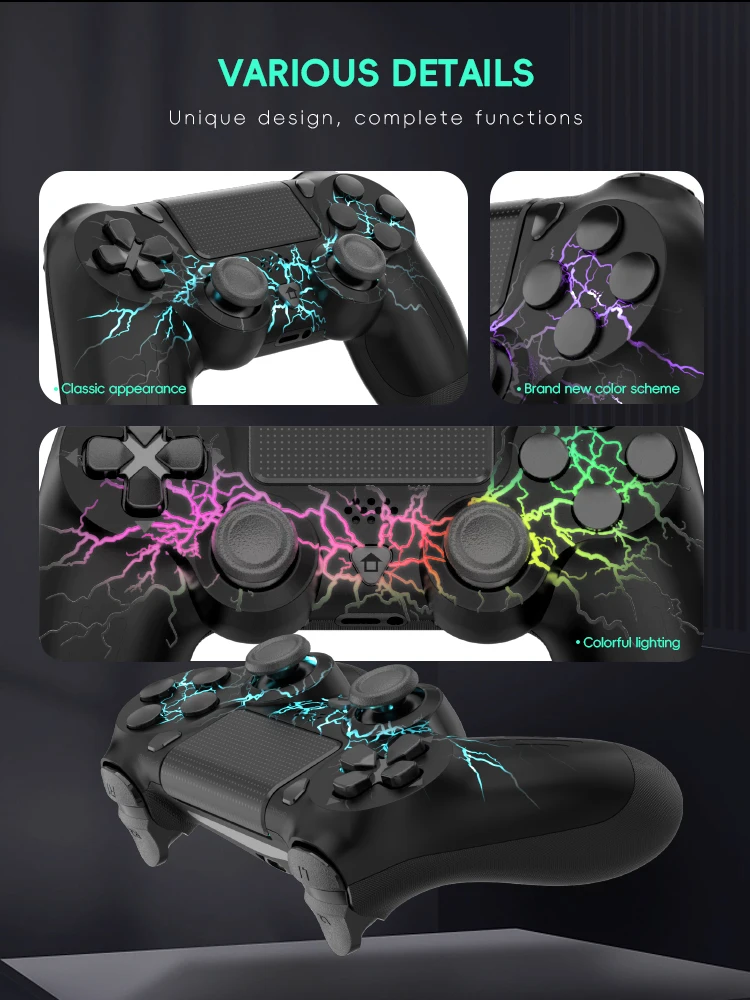
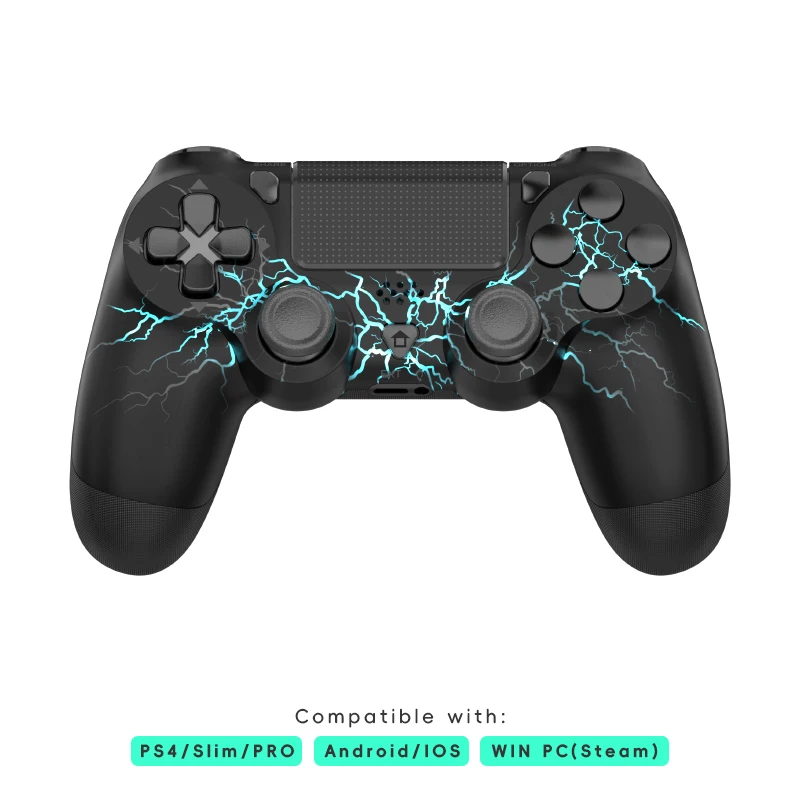
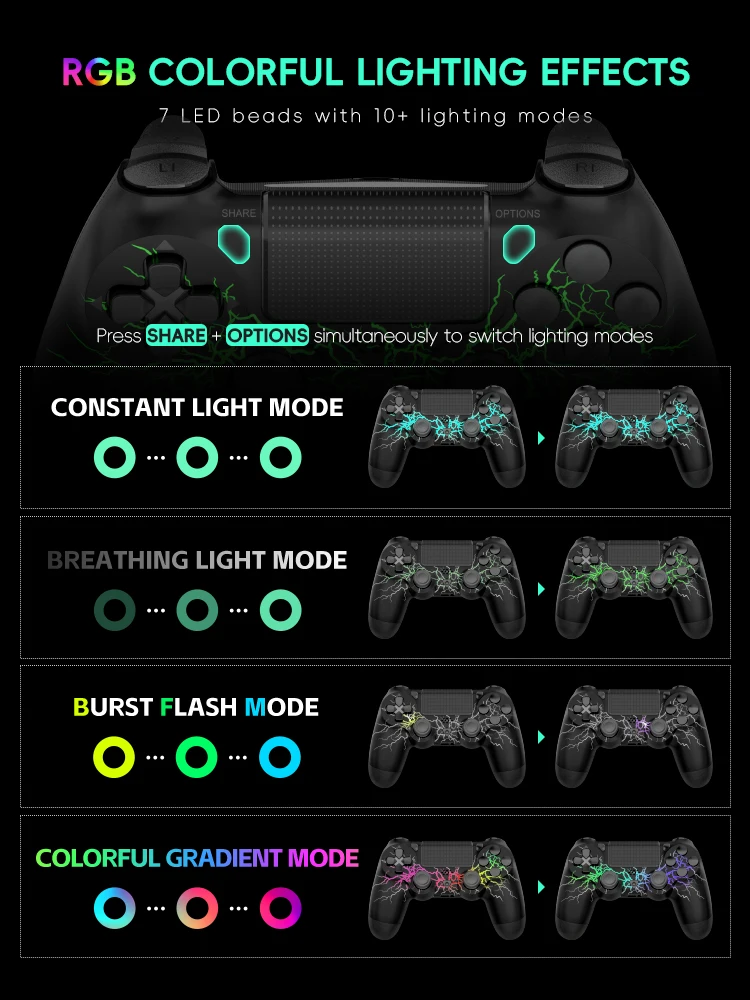
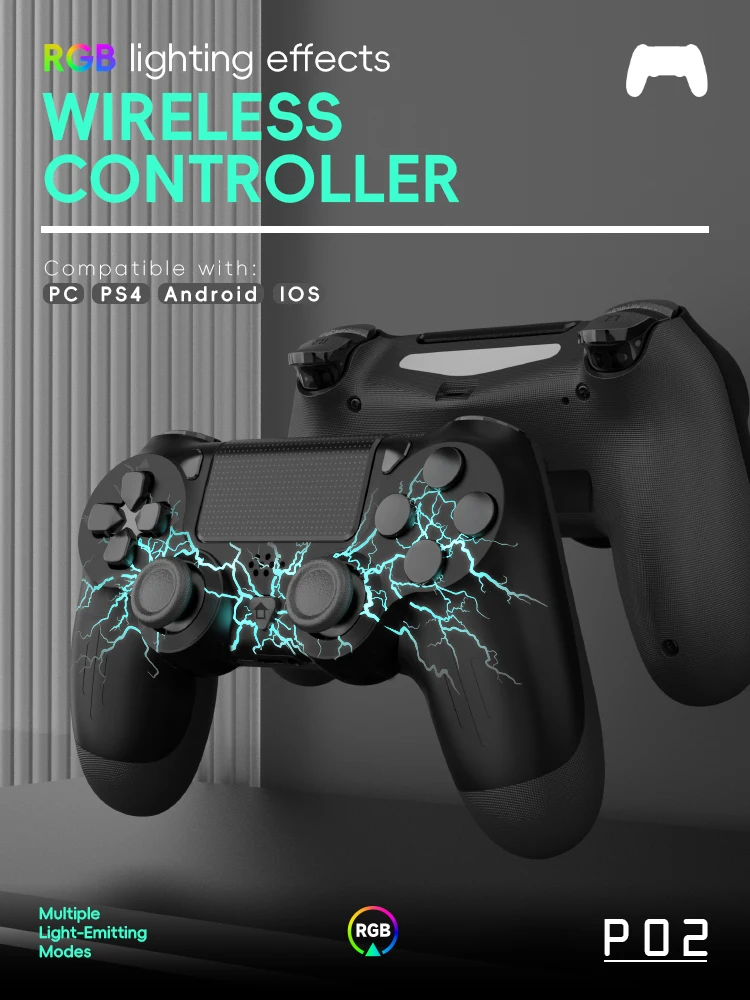
    Wireless PS4 Controller for PS4/PRO/SLIM/PC.The PS4 remote joystick has 7 colors of light that can be adjusted via the LED light control button of the PS4 controller, You can switch the color according to different games to immerse yourself deeply in the world of the game.

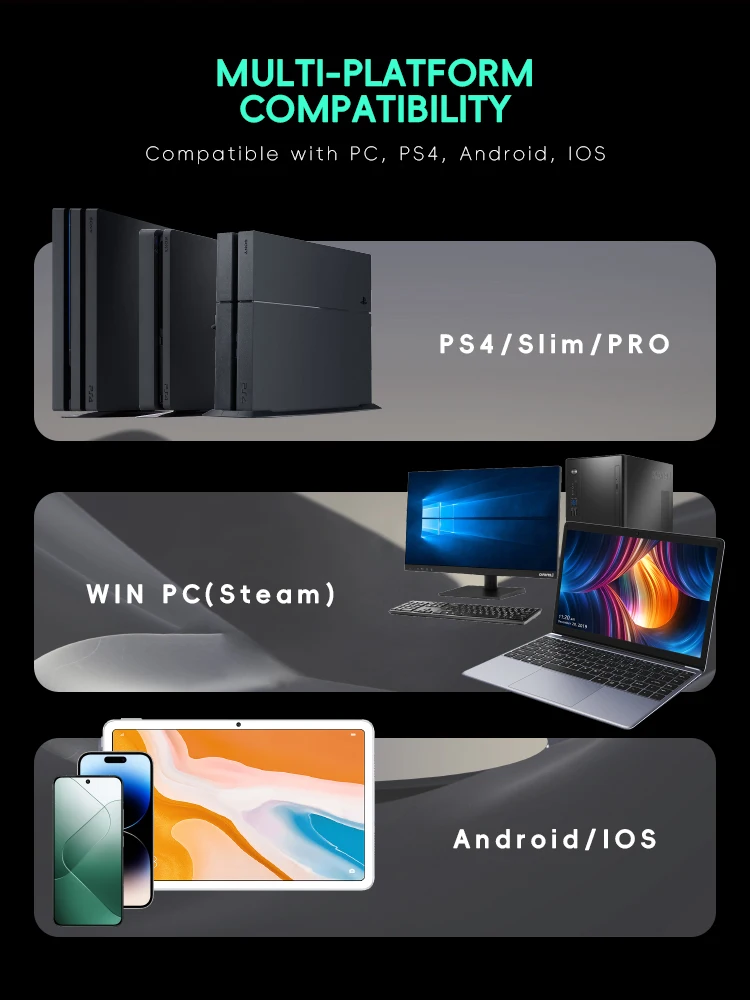
    Perfectly Compatible With Ps4 Console

    Specifically Designed Compatible With Ps4/ Slim/Pro Consoles, With The Latest 6 Axis Motion Sensor And Vibration Technology, And It Has Been Improved And Upgraded Based On Customer Feedback To Address Issues Such As Low Sensitivity, Key And Joystick Delays, And Unstable Bluetooth-Compatible Connections.

    New Ways To Playrevolutionary

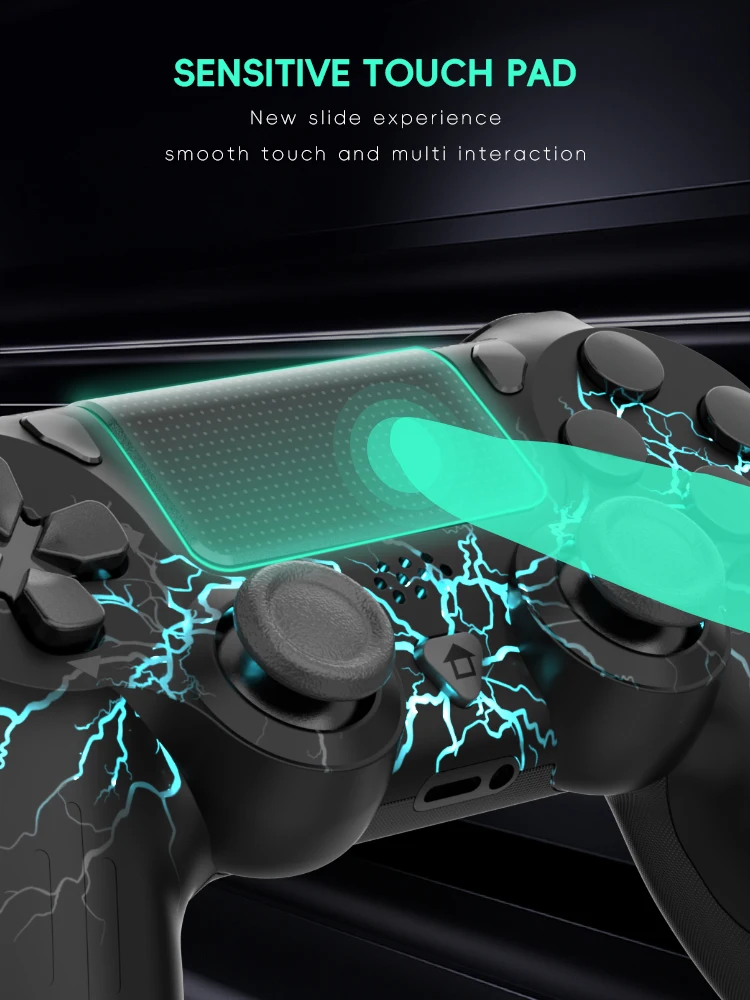
    Features Like The Touch Pad, Integrated Light Bar.

    Two Motors & Gyro Sensorthe

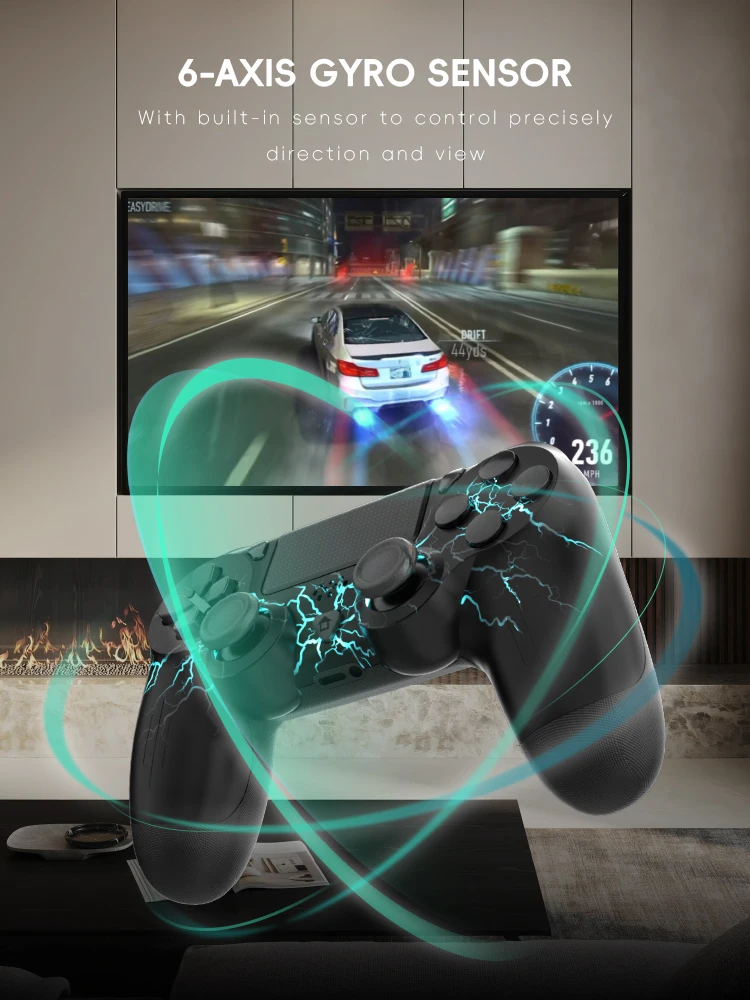
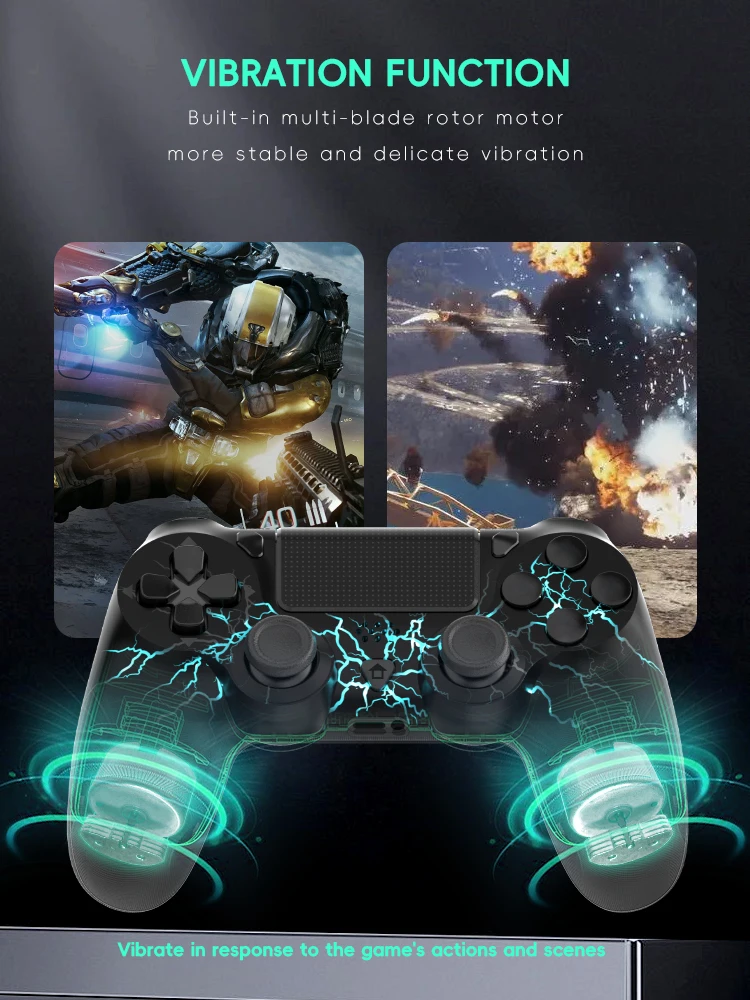
    Controller Built-In Two Motors And 6 Axis Gyroscope Provide You With Immediate Vibration Feedback And Superior Motion Sensing. The Improved And Upgraded Analog Sticks And Trigger Buttons Give The Controller Superb Accuracy.

    More Compatible Platformapplicable To Multiple Platforms

    Able To Experience A Cool Experience Of Action And Adventure. The Optimized Ergonomic Design Restores The Texture Of The Official Original Controller As Much As Possible So That Players Can Have A Comfortable Gaming Experience In All Games. It’S A Good Replacement Or Backup Controller Compatible With Ps4 Controller.

    First Usagefirst Usage

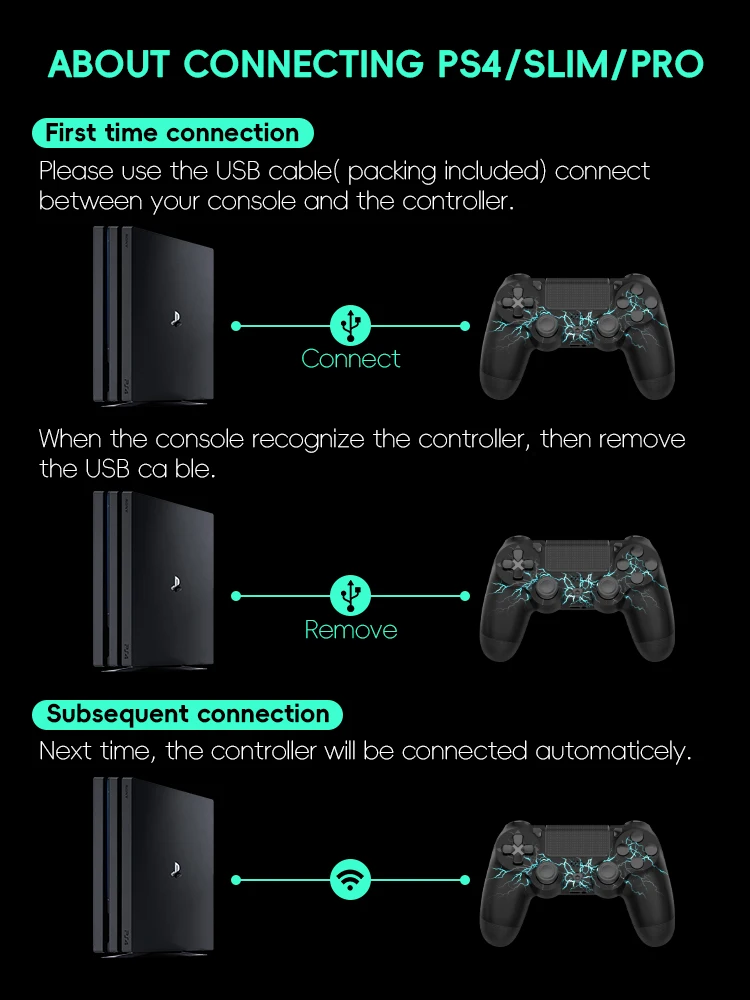
    Please Use The Usb Cable( Packing Included) Connect Between Your Console And The Controller. When The Console Recognize The Controller, Then Remove The Usb Cable. Next Time, The Controller Will Be Connected Automaticely.

    How To Connect Pc?

    1. Please Install And Insert The Usb Wireless Bluetooth-Compatible Controller Receiver On The Pc Side. After Inserting It Into The Host, The Driver Will Be Automatically Installed.

    Motion Program.

    2. Pick Up The Ps4 Controller, First Press And Hold The Share Button Share And Then Press The Ps Button At The Same Time For About 3~5 Seconds, Release When The White Light On The Top Of The Joystick Flashes Quickly. (Cannot Enter Pairing Mode While Charging)

    3. Go To “Control Panel”–>”Devices And Printers”, Click “Add Device”, And Let The Computer Start To Detect Nearby Bluetooth-Compatible Devices.

    Packing List

    1*Wireless Console For Ps4

    1*Cable

Follow us on:

Subscribe to our Newsletter
Please wait...

We use cookies on our website. For full details, please see our Privacy Policy. We would like your consent to use cookies that allow us to give you a personalised experience and advertise to you elsewhere on the internet. Click ALLOW if you’re happy for us to do this. You can also choose to disallow all optional cookies by clicking DISALLOW.

Cookie Settings