• Image 1
  • Image 2
  • Image 3
  • Image 4
  • Image 5
  • Image 6

Ultimate Gaming Experience: Data Frog Racing Steering Wheel Controller for All Major Consoles

From £63.99
  • Color:

  • Bundle:

in stock

Buy With Confidence

100% Safe Payment


;

  • Description

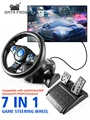
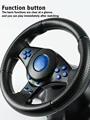
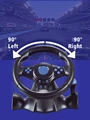
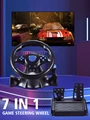
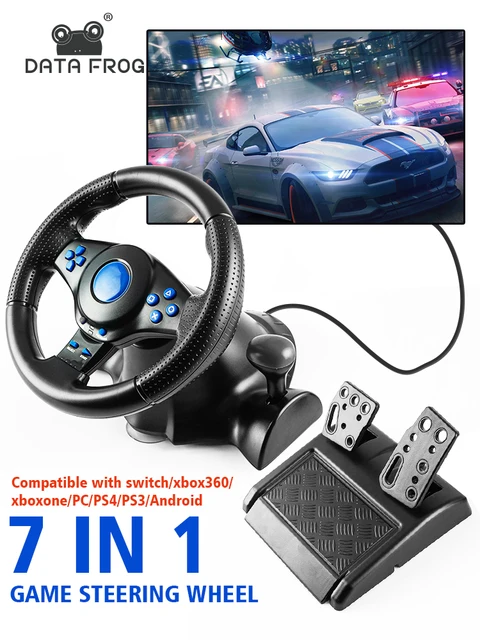
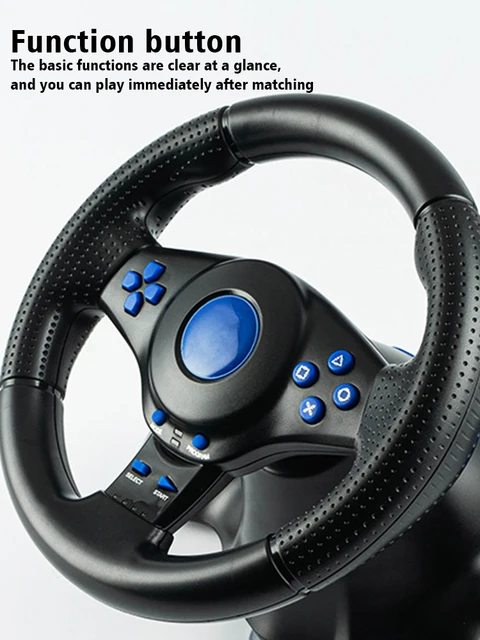
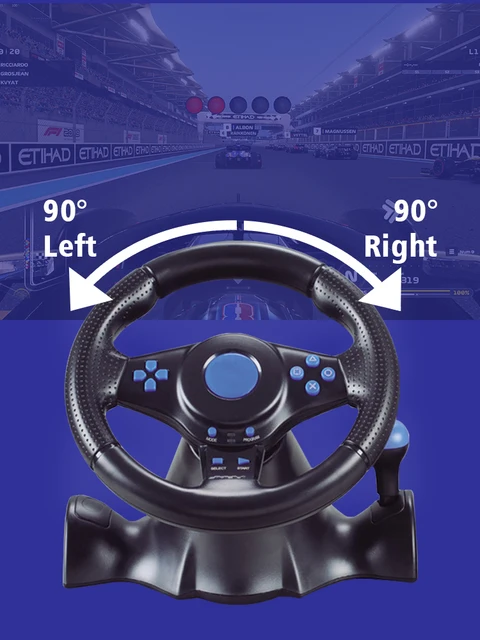
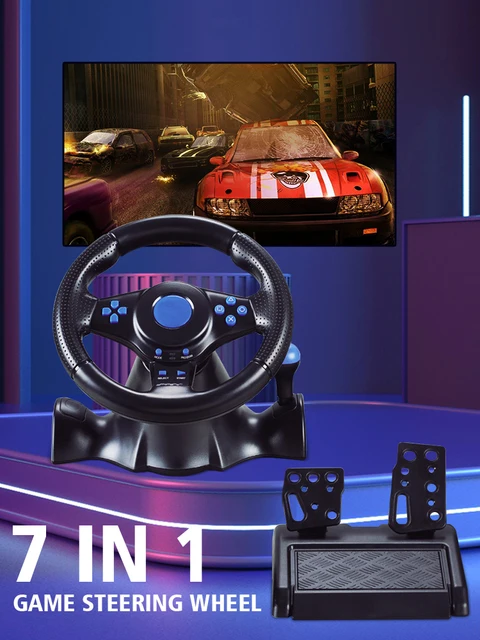
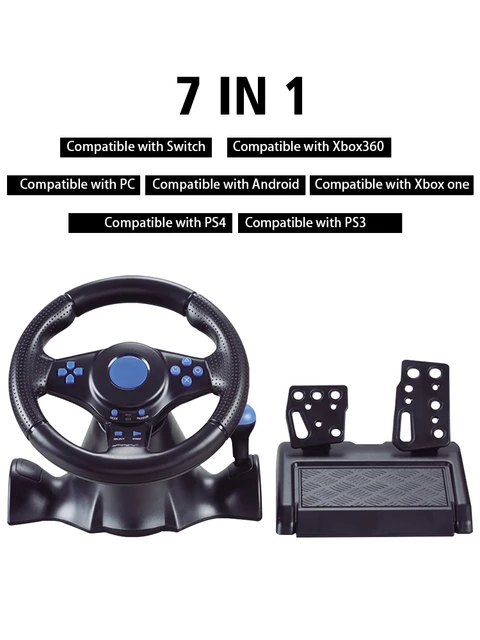
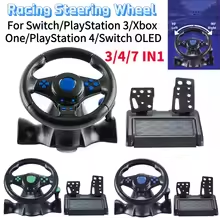
    Enhance your gaming setup with the Data Frog Racing Steering Wheel Vibration Controller. This 7 in 1 option is compatible with a wide range of consoles, providing an immersive and realistic simulation experience for racing games.

    How to choose compatible version for your game console :

    The 2 in 1 option means it is for PC / PS3

    The 3 in 1 option means it is for PC / PS2 / PS3
    (Note: You need to download the driver when connecting 3in1 to PC)

    The 4 in 1 option means it is for PC / PS2 / PS3 and Xbox 360

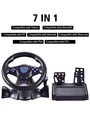
    The 7 in 1 option means it is for PC / PS3 / Xbox 360 and Xbox one / PS4 / Nintendo Switch / Android

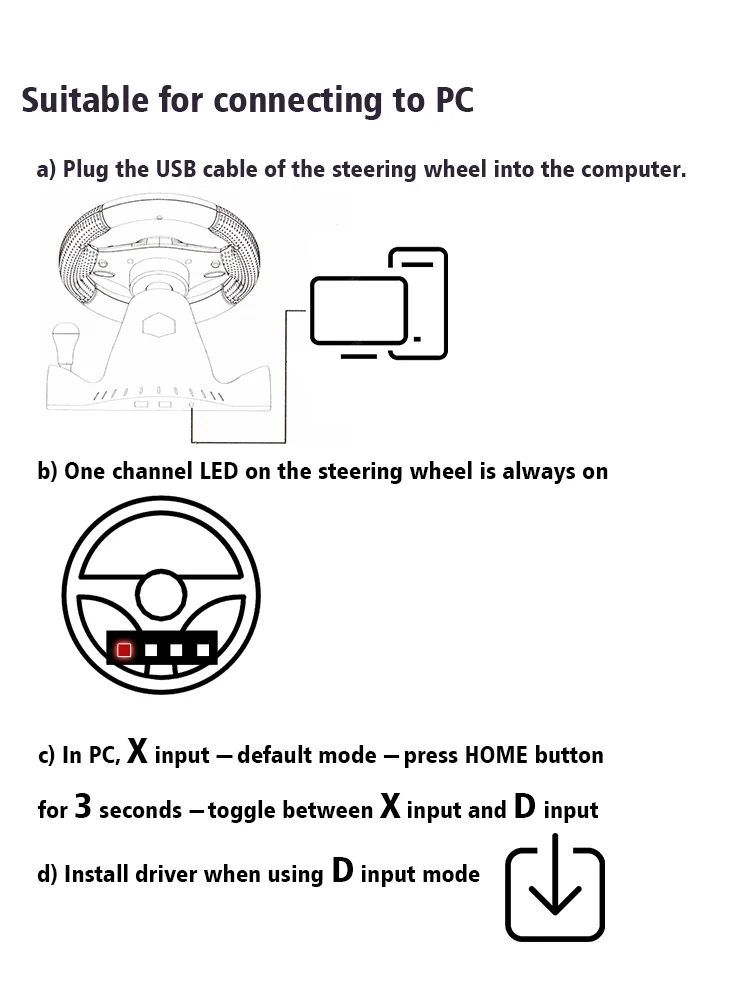
    How To Connect To PC

    a) Plug the USB cable of the steering wheel into the computer.

    b) One channel LED on the steering wheel is always on

    c) In PC, X input is recognized as default mode.

    Press the HOME button for 3 seconds to toggle between X input and D input.

    d) Install the driver when using D input mode.

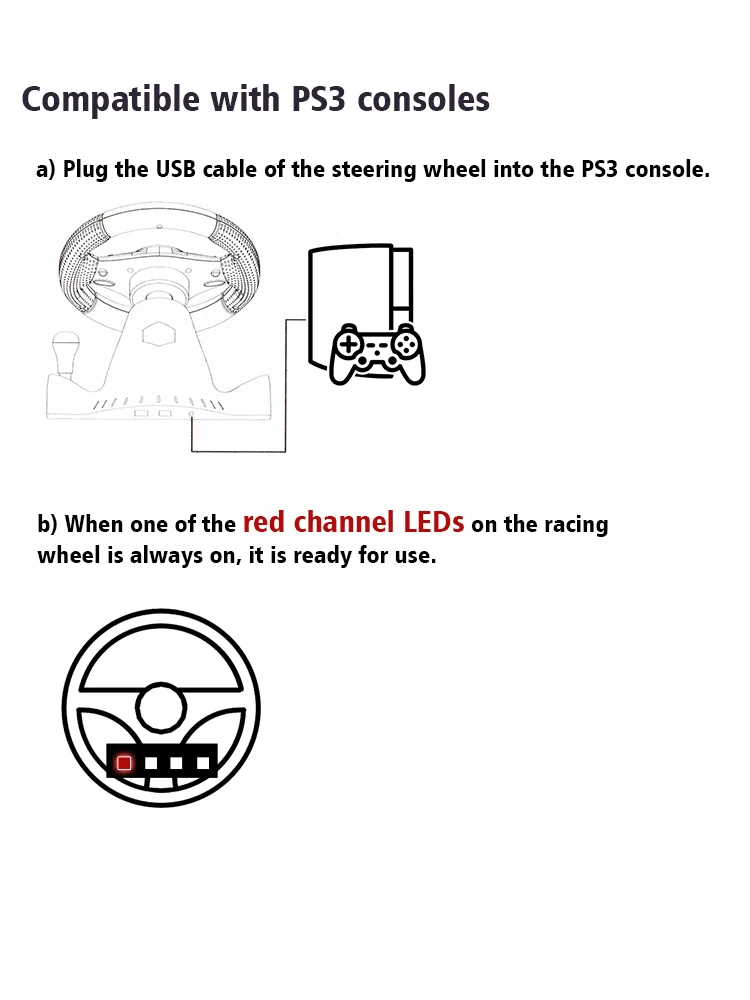
    How To Connect PS3

    a) Plug the USB cable of the steering wheel into the console for PS3.

    b) When one of the red channel LEDs on the racing wheel is always on, it is ready for use.

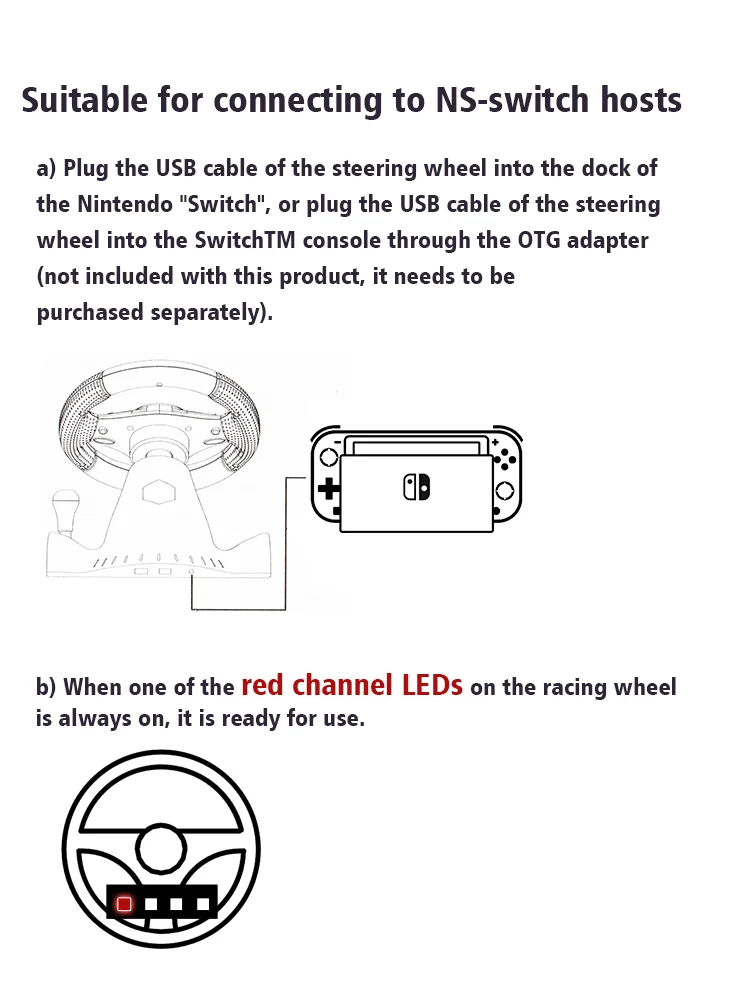
    How To Compatible-nintendo Switch

    a) Plug the USB cable of the steering wheel into the dock of the compatible-nintendo Switch, or plug the USB cable of the steering wheel into the SwitchTM console through the OTG adapter (not included with this product, it needs to be purchased separately).

    b) When one of the red channel LEDs on the racing wheel is always on, it is ready for use.

    How To Connect Android Devices

    a) Plug the steering wheel USB cable into your Android TM smart TV or set-top box, or plug the steering wheel USB cable into your Android smartphone via an OTG adapter (not included with this product, which needs to be purchased separately).

    b) When one of the red channel LEDs on the racing wheel is always on, it is ready for use.

    How To Connect PS4/Xbox One Consoles

    a) Connect the appropriate original game controller or a third-party compatible game controller to the USB Type-A port on the rear of the steering wheel.

    b) Plug the USB cable of the steering wheel into the game console.

    Packge Included

    Please select the corresponding one for your game console.

    1* Steering Wheel 

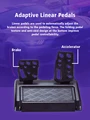
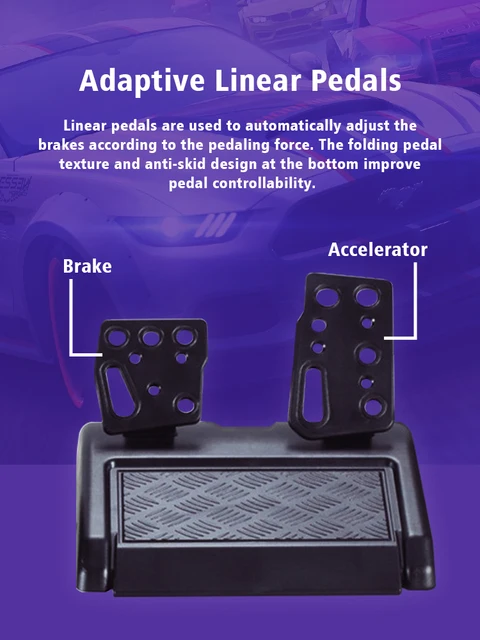
    1* Pedals

    Description

    Racing Steering Wheel Vibration Controller Gaming Simracing Car Games with Pedals

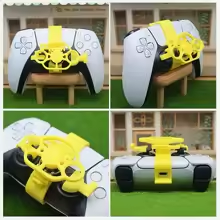
    8 In 1 Button Extenders Universal For PS4 XBOX / Better Remote Experience

    15-day Free Return and Refund Service

    We offer a 15-day free trial of our products in 24 countries, if you don't like what you received, just return it and you can get a full refund! But remember to select "Personal Reasons" as the reason for the dispute so you don't have to pay for shipping and get a full refund when you return it! (For other reasons, you may be charged a hefty shipping fee.)

Follow us on:

Subscribe to our Newsletter
Please wait...

We use cookies on our website. For full details, please see our Privacy Policy. We would like your consent to use cookies that allow us to give you a personalised experience and advertise to you elsewhere on the internet. Click ALLOW if you’re happy for us to do this. You can also choose to disallow all optional cookies by clicking DISALLOW.

Cookie Settings